

© 2026 Magnetic Proxy. All rights reserved.
Claim & start


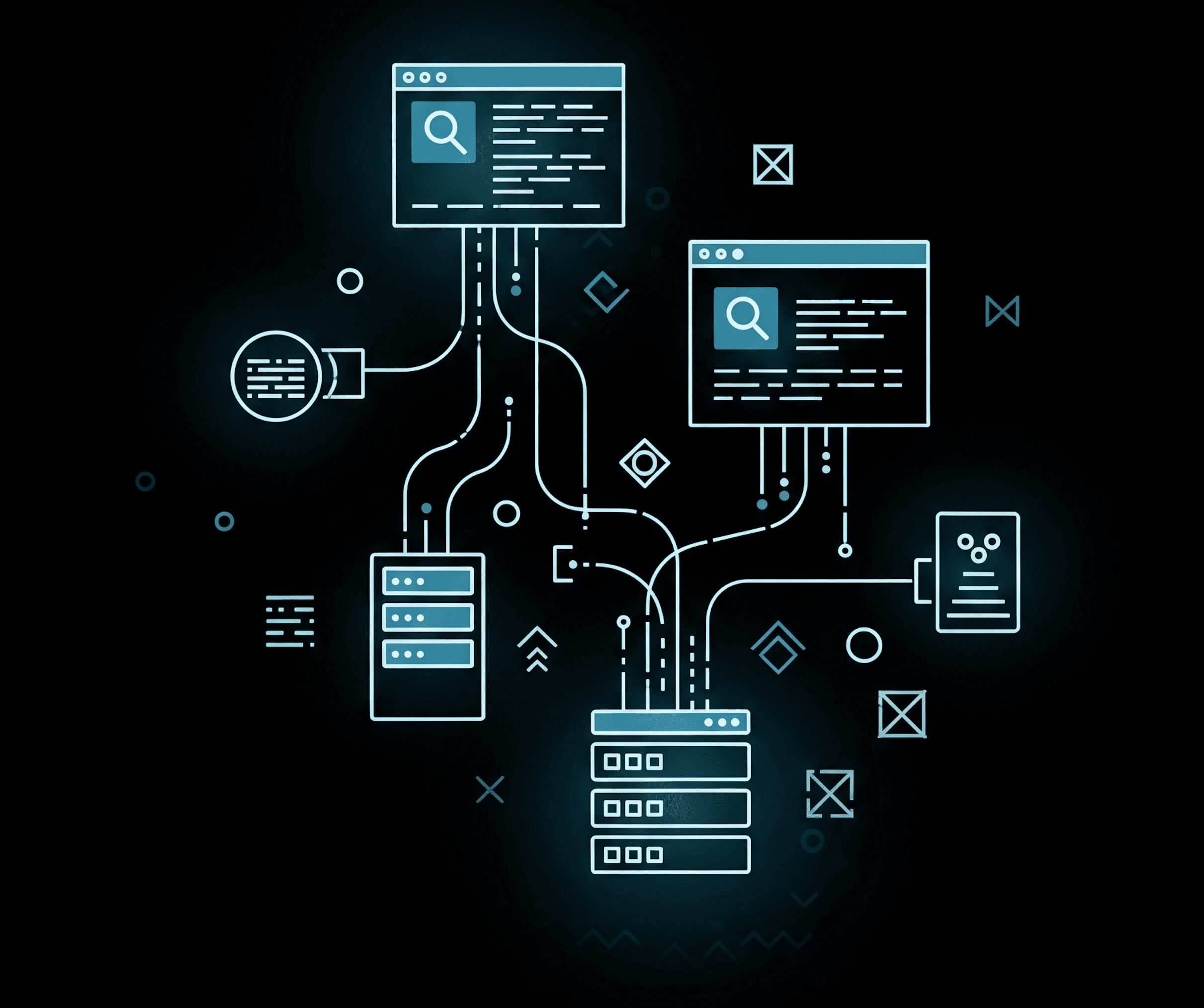

If you are a data engineer, an SEO agency founder, or an e-commerce director, you already know that Google’s Search Engine Results Pages (SERPs) hold the most valuable market intelligence on the internet. Whether you are tracking local keyword rankings, monitoring competitor ad spend, or extracting business directories, the data you need is sitting right there in plain text.
The problem? You are not the only one who wants it, and Google knows it.
If you attempt to write a basic Python script using the Requests library and BeautifulSoup to pull this data, your script might work perfectly for the first 30 or 40 queries. But suddenly, your console throws an HTTP 429 "Too Many Requests" error. Then, you get hit with a highly sophisticated reCAPTCHA. A few minutes later, your server’s IP address is entirely blacklisted from accessing any Google property.
Many tutorials on the internet will teach you the syntax for parsing Google's HTML. Very few will teach you the brutal reality of the infrastructure required to do it at an enterprise scale.
In this comprehensive guide, we are going to dive deep into the architecture of how to scrape Google search results. We will deconstruct Google’s anti-bot defense mechanisms and reveal how top-tier data teams use premium residential proxy networks to extract millions of SERP records without ever triggering a single CAPTCHA.
Before we engineer the solution, we must understand the "why." Why go through the technical headache of battling Google's firewalls? Because accurate, real-time SERP data dictates modern business strategy.
Google is not a static HTML page. It is a highly dynamic, AI-driven application protected by the most advanced security infrastructure in the world. To build a successful scraper, you must first understand the three layers of defense designed to block you.
Google monitors the velocity of requests originating from a single IP address. If an IP makes 100 search queries in 60 seconds, it is mathematically impossible for a human to be typing that fast. Google immediately flags the IP, blocks the connection, and serves a CAPTCHA.
Google doesn't just look at your IP; it analyzes the exact "fingerprint" of the browser making the request. It checks your user-agent, your screen resolution, the installed fonts on your system, and even the specific cryptographic ciphers your connection uses (TLS fingerprinting). If your script uses a default Python Requests header, Google instantly knows it is a bot, regardless of how slow you send the requests.
If Google suspects you are a bot but isn't 100% sure, it deploys reCAPTCHA. Unlike older versions where you clicked on traffic lights, modern CAPTCHAs analyze your mouse movements, scroll speed, and click cadence. Headless browsers moving in perfect, straight mathematical lines are caught immediately.
Engineering Note: The biggest mistake junior developers make is trying to build a complex script to solve Google CAPTCHAs. This is a losing battle. The goal of enterprise data extraction is not to solve the CAPTCHA; the goal is to never trigger it in the first place. You achieve this by ensuring your scraping infrastructure looks entirely human to Google's security algorithms from the very first ping.
To bypass these defenses and perform high-volume SERP data extraction, you must abandon basic scripts and adopt a modern scraping architecture. Here is the blueprint.
If you deploy your scraper on a standard AWS, Linode, or Google Cloud server, you have already lost. Google maintains public lists of datacenter IP subnets. Traffic originating from a datacenter is treated with extreme suspicion. If a datacenter IP searches for "buy running shoes," Google knows it is a script, not a consumer.
This is the foundational secret of every successful google search scraper. Instead of sending requests directly from your server, you must route your traffic through a massive pool of residential proxies.
A residential proxy is an IP address assigned by a real Internet Service Provider (like AT&T or Comcast) to a real homeowner's Wi-Fi router.
To defeat browser fingerprinting, you cannot use basic HTTP request libraries. You must automate real web browsers (like Chromium) using frameworks such as Puppeteer or Playwright.
However, you must pair these frameworks with stealth plugins (like puppeteer-extra-plugin-stealth). These plugins modify the browser's fingerprint, inject randomized human-like mouse movements, spoof the user-agent, and mask the fact that the browser is being controlled by automation software.
Because Google tailors results based on location, your proxy infrastructure must support granular geo-targeting. If your SEO client is a local bakery in Brooklyn, your proxy network must allow you to specify your traffic to originate exclusively from New York residential IPs. This ensures the SERP data you extract is 100% accurate to the local market.
Writing the code to parse Google's DOM structure and extract the titles, URLs, and snippets is relatively straightforward. The HTML tags change occasionally, but a competent developer can update a parser in minutes.
The true barrier to entry in learning how to scrape Google search results is acquiring the stealth infrastructure. If you spend weeks writing the perfect scraping logic but neglect your proxy setup, your operation will grind to a halt on day one.
By integrating your custom code with a robust, highly rotating residential proxy network, you offload the massive burden of IP reputation management. You stop fighting CAPTCHAs and start focusing on what actually matters: analyzing the SERP data to drive revenue, monitor competitors, and win your market.
Ready to scale your Google scraping without triggering a single IP ban? Integrate the MagneticProxy residential network into your architecture today.
Here’s how Profile Peeker enables organizations to transform profile data into business opportunities.